The most common reasons for Binance login failure are incorrect password, verification code issues, or network problems. Most cases can be self-resolved. Follow these troubleshooting steps, and you will usually regain access within minutes.
Download the official Binance app (iPhone users, see the iOS installation guide) — sometimes the web version is down but the app works fine.
Wrong Password
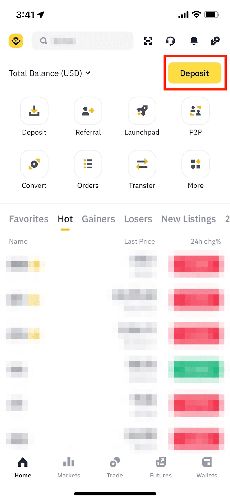
- Check Caps Lock and input method (ensure English keyboard)
- Try known passwords carefully
- Click "Forgot Password" to reset via email/phone
Note: 5 consecutive wrong attempts locks the account for 2 hours.
Cannot Receive Verification Codes
Email: Check spam folder, whitelist [email protected], wait 2-3 minutes and resend. SMS: Check signal, verify country code, check if blocked by security apps, toggle airplane mode. Google Authenticator: Ensure phone time is accurate (enable auto-time), verify correct account code.
Network Issues
- Switch between WiFi and mobile data
- Clear DNS cache
- Try a different browser (Chrome/Firefox)
- Clear browser cache and cookies
- Try the Binance app instead
"Account Restricted" Message
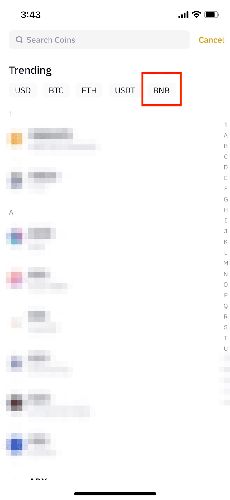
Causes: Security risk control triggered, suspicious login detected, or account frozen. Solution: Check email for security notifications, follow instructions, or contact customer support.
"Unauthorized Device" Message
- Check email for device authorization request
- Click "Authorize Device" within 20 minutes
- Return to login page and re-enter credentials
Security Tips
- Only reset passwords through official channels
- Never give your password to "support" representatives
- Always verify the URL is binance.com
- Check login history after successful login
- Enable all available security verifications
Forgot both email and phone number?
Contact Binance support with your ID. Processing: 3-7 business days. You can register a new account on the Binance official website with a new email, but note one person can only have one account.
After switching phones, cannot log in?
Most common issue: lost Google Authenticator. If you backed up the key, re-add it on the new phone. Otherwise, use Binance's 2FA reset process (24-72 hours).
How many password attempts before lockout?
5 consecutive wrong attempts trigger a 2-hour lockout. After 3 failed attempts, consider using "Forgot Password" instead.