The Binance app can be downloaded from the App Store, Google Play, or directly as an APK from the official website. iOS users may need to switch their Apple ID region; Android users can download the APK directly. After registering on the Binance official website, using the app for trading is recommended for convenience.
How to Download on iPhone
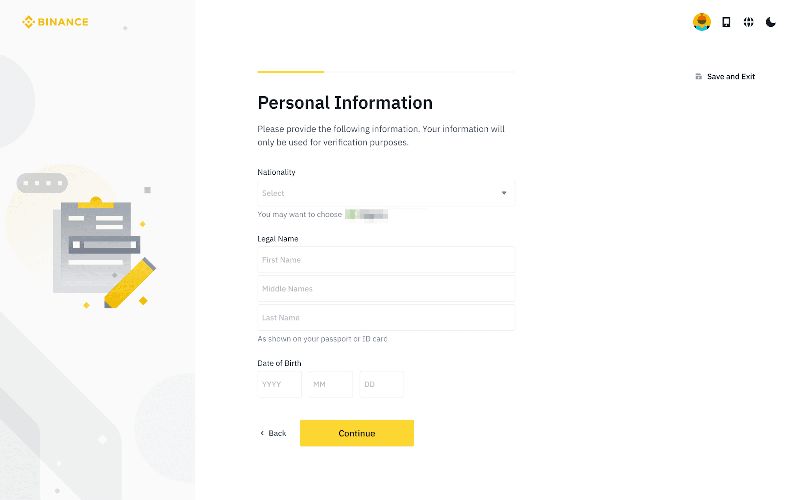
Method 1: Search the App Store — Search "Binance" and download the official app (developer: Binance Inc.).
Method 2: Switch App Store Region — If not found, switch your Apple ID to the US or Japan: Settings > Apple ID > Media & Purchases > Country/Region.
Method 3: TestFlight — Binance sometimes offers iOS versions through TestFlight. Check the official website for the invitation link.
How to Download on Android
Method 1: Google Play — Search "Binance" and download.
Method 2: Official Website APK (Recommended) — Visit the Binance website on your phone, click "Download", select "Android APK". Allow installation from unknown sources in Settings > Apps > Special Permissions.
Method 3: Third-party stores — APKPure or APKMirror, but official channels are safer.
Download the official Binance app now (iPhone users, see the iOS installation guide).
How to Verify the App Is Genuine
- Check developer info (Binance Inc. on iOS, com.binance.dev on Android)
- Verify app size (100-200MB is normal)
- Download only from official links
- Check permission requests (camera for KYC and notifications are normal)
Common Installation Issues
- App Store not found: Switch Apple ID region or use direct link
- Android "parse error": Re-download APK, check storage and Android version
- App crashes: Update OS, clear cache, reinstall
- "Not available in your country": Download APK directly from official website
App vs. Web Comparison
| Feature | App | Web |
|---|---|---|
| KYC | Convenient (direct camera) | Upload photos |
| Notifications | Real-time push | None |
| Biometrics | Fingerprint/Face ID | Not supported |
| Charts | Basic | More powerful |
Security Tips
- Download only from official channels: App Store, Google Play, or binance.com
- Do not download from social media links
- Verify app authenticity before logging in
- Keep the app updated for security patches
- Do not use on jailbroken/rooted devices
- Set app lock with biometrics
What systems are supported?
iOS 13.0+ and Android 6.0+.
Is the download free?
Completely free on all channels. Anyone charging for it is a scam.
How much storage does it need?
150-250MB initially, up to 500MB-1GB with cache over time.
Can I log in on multiple devices?
Yes, but new devices require email/phone verification.
Will uninstalling lose my data?
No. Account data is on Binance servers. Re-login after reinstalling to restore everything.