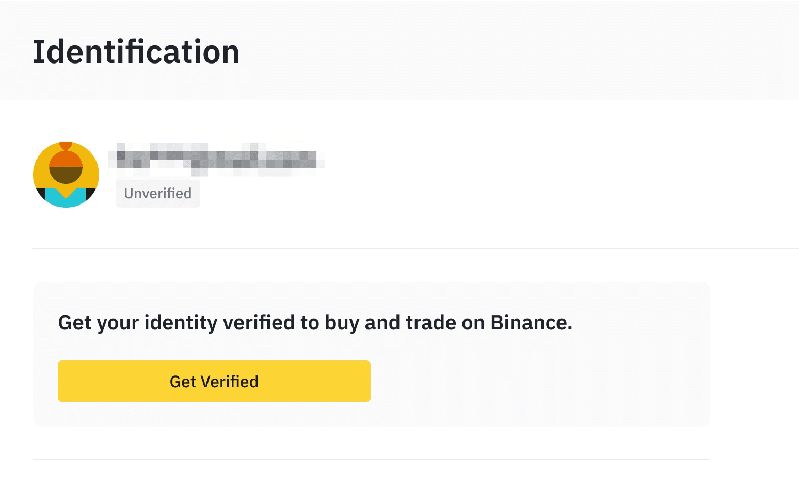
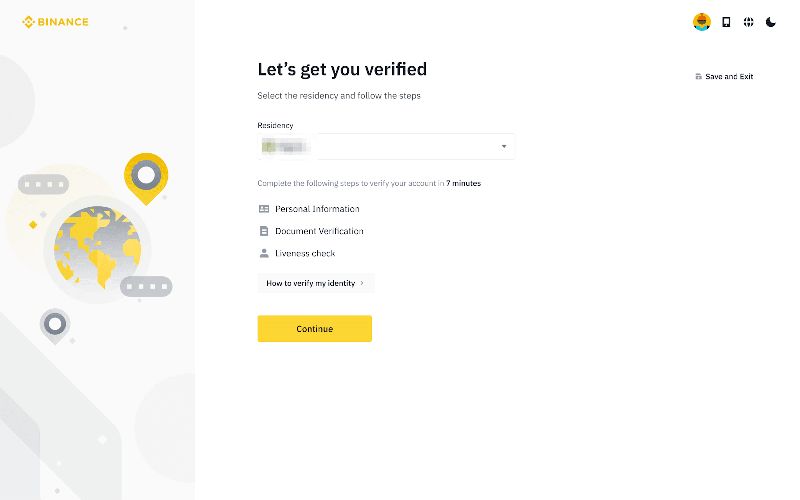
Binance API keys can be created directly in your account security settings in under 5 minutes. APIs allow you to programmatically trade, query data, and manage your account. After registering on the Binance official website and completing KYC, you can apply for API keys.
What Is the Binance API?
API (Application Programming Interface) is a programming interface that allows external programs to interact with the Binance exchange for automated trading operations.
What APIs can do:
- Automated trading: Programmatically place and cancel orders
- Market data: Real-time prices, candlesticks, and depth data
- Account management: Query balances, trade history, and positions
- Quantitative strategies: Run trading bots
- Data analysis: Export historical trade data
API types: REST API (HTTP requests), WebSocket API (real-time data), and SAPI (Binance's extended API).
About 25% of Binance's trading volume comes from API trading.
How to Create a Binance API Key
Step 1: Log in to your Binance account
Use the web interface. Ensure KYC and 2FA are complete.
Step 2: Navigate to API Management
Click your profile icon > "API Management."
Step 3: Create a new API key
- Enter a label (e.g., "Quant Trading", "Data Analysis")
- Click "Create API"
- Complete security verification (email + 2FA)
Step 4: Save your API Key and Secret Key
- API Key: Public identifier (like a username)
- Secret Key: Private key (like a password)
Critical: The Secret Key is only shown once! Copy and save it immediately. It cannot be viewed again after closing the page.
Step 5: Configure permissions
- Read (default): Query account info and market data
- Spot trading: Allow spot trades via API
- Futures trading: Allow futures trades via API
- Withdrawal: Allow withdrawals via API (high risk — enable with caution)
Step 6: Set IP whitelist
Only specified IP addresses can use this API key. Add up to 30 IPs.
Permission Configuration Guide
| Use Case | Read | Spot | Futures | Withdraw | IP Whitelist |
|---|---|---|---|---|---|
| Data analysis | On | Off | Off | Off | Required |
| Spot quant | On | On | Off | Off | Required |
| Futures quant | On | Off | On | Off | Required |
| Full trading | On | On | On | Off | Required |
Rate Limits
| Interface | Limit | Notes |
|---|---|---|
| REST API | 1,200/min | Per IP |
| Order API | 10/sec | Per account |
| WebSocket | 5/sec | Connection rate |
Common Troubleshooting
"Invalid API-Key": Check that the key is complete and not disabled. "Signature not valid": Verify Secret Key and HMAC SHA256 implementation. "IP not allowed": Confirm the requesting IP is whitelisted. "Rate limited": Reduce request frequency; use WebSocket instead of polling.
You can download the official Binance app (iPhone users, see the iOS installation guide) to manage API key status from your phone.
Security Best Practices
- Store Secret Key in a password manager, never in code
- Always enable IP whitelist
- Rotate keys every 3-6 months
- Use minimum necessary permissions
- Monitor API activity regularly
Security Tips
- Never share your Secret Key with anyone — including people claiming to be Binance support
- Do not commit API keys to code repositories — use .env files and .gitignore
- Do not use untrusted trading bots — they may steal your keys
- Check trade history regularly — disable keys immediately if anomalies appear
- Use Testnet first — Binance provides a testnet API for safe strategy testing
- After registering on the Binance official website, validate your API on testnet before connecting to your real account
Is the Binance API free?
Yes. The API itself is free, but trades via API incur normal trading fees.
What if I lose my Secret Key?
You cannot recover it. Delete the old key and create a new one.
Which programming languages are supported?
All languages — official SDKs for Python, Java, and Node.js; community libraries for Go, C#, PHP, Ruby, etc.
Do third-party bots need API access?
Yes. Always provide minimum permissions and enable IP whitelist.
Are API trading fees the same as manual trading?
Yes. Same fee rates, VIP discounts, and BNB deductions apply.